
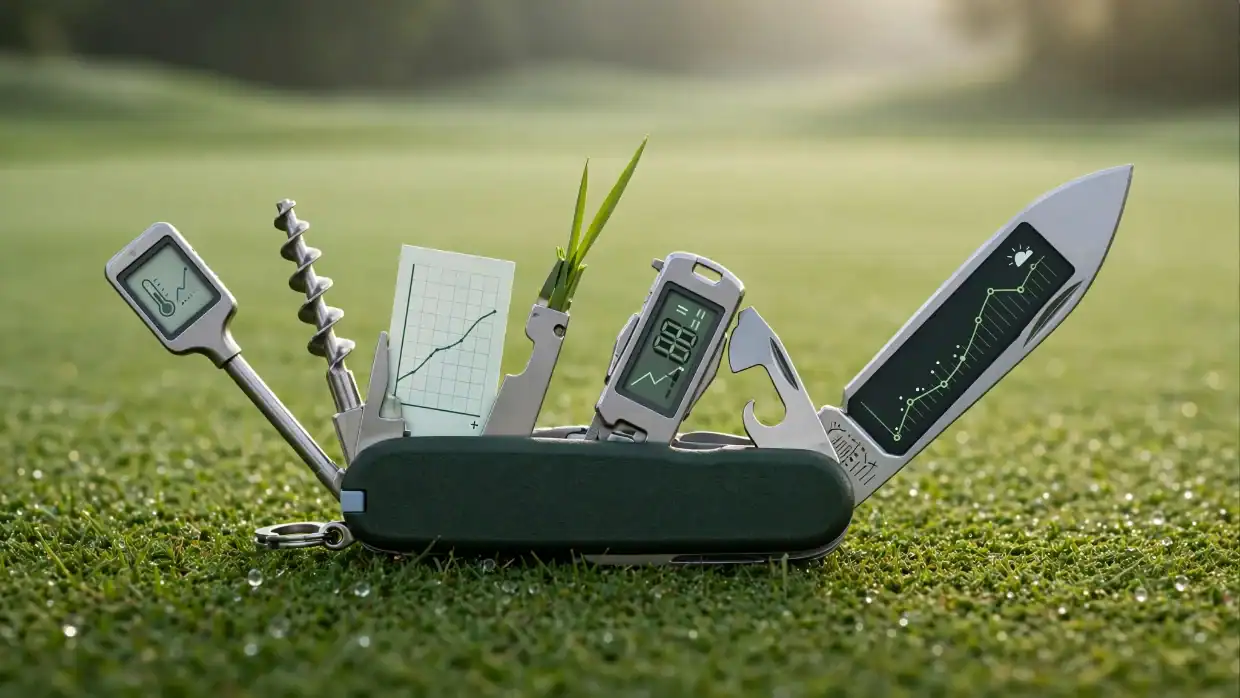
Greenkeeper Toolkit is a practical calculators for the daily decisions that keep a course running.
No logins, no spreadsheets to hunt for — just the numbers you need, when you need them. Every calculator below works instantly in your browser, switches between metric and imperial with one click, and is built specifically around the way turf professionals actually work: by area, by rate, by tank, by bag. This is Greenkeeper Toolkit – Swiss knife for every greenkeeper
Table of Contents
GDD Calculator
Growing Degree Days from today’s min/max temperature and a base temperature of your choosing. Useful for tracking plant growth potential and timing PGR reapplications. Keeps a running total for the day if you’re logging readings through the season.
Nitrogen Calculator
Enter your target actual-nitrogen rate, your product’s guaranteed analysis, and the area you’re treating — get back exactly how much product to apply. Comes with one-tap presets for green, tee, and fairway sized areas.
Irrigation Runtime Calculator
Convert between a target water depth and irrigation runtime in minutes, based on your nozzle or head’s precipitation rate. Works either direction: tell it how much water you want down, or how many minutes you’ve got, and it solves for the other.
Stimpmeter Calculator
Roll three balls in each direction on a level test area, enter the six distances, and get your average green speed. Flags it automatically if the two directions differ by more than the usual tolerance, so you know to find a flatter spot before trusting the number.
Overseeding Calculator
Pick a species — Creeping Bentgrass, Colonial Bentgrass, Red Fescue, Bermudagrass, Perennial Ryegrass, Poa Trivialis, or Kentucky Bluegrass — and get a sensible starting seeding rate, fully editable for your own program. Enter your area and it works out the total seed needed, plus how many bags to order once you tell it your bag size.
Sprayer / Spreader Calibration
Run a simple catch test, plug in your nozzle output, travel speed, and nozzle spacing, and find out your real application rate — the number your label rate is actually based on.
PGR Calculator
Total product volume needed for a target label rate over your area. Works for Primo Maxx and similar growth regulators, or any liquid product you dose by area.
Topdressing Calculator
Material volume needed for a target topdressing depth over your area, in both litres/m³ and ft³/yd³. Tell it your bag or bulk-bag size and it’ll tell you how many to order.
Mowing Frequency (1/3 Rule)
Never remove more than a third of the leaf blade in one cut. Enter your height of cut and, if you know it, your current growth rate — get the trigger height for your next mow and how many days you’ve got before you need to be back out there.
Tank-Mix Calculator
Product to add per tank load, straight from a label rate expressed per volume of water. Add your area and application volume and it’ll also work out how many tank loads the whole job needs, and the total product to have on hand.
All ten in one place
Prefer to have everything on a single page? The All-in-One Toolkit brings every calculator above into one tabbed widget — flick between them without leaving the page.
Rates and starting points shown are typical industry references — always adjust for your own product labels, cultivar, climate, and course conditions.
GDD Calculator
Calculate Growing Degree Days from today's min/max temperature and a base temperature.
Nitrogen Calculator
Work out how much product to apply to hit a target actual-nitrogen rate.
Irrigation Runtime Calculator
Convert between water depth and irrigation runtime, based on your nozzle/head precipitation rate.
Stimpmeter Calculator
Enter 3 rolls in each direction on a level area to get the average green speed.
Overseeding Calculator
Pick a species for a typical starting seeding rate, then adjust for your own program.
Sprayer Calibration
Work out your actual application rate from a nozzle catch test, travel speed and nozzle spacing.
PGR Calculator
Total product volume needed for a target label rate over a given area (e.g. Primo Maxx and similar).
Topdressing Calculator
Material volume needed for a target topdressing depth over an area.
Mowing Frequency (1/3 Rule)
Never remove more than a third of the leaf blade in one cut — find the trigger height and, if you know growth rate, when you'll need to mow again.
Tank-Mix Calculator
Product to add per tank, from a label rate expressed per volume of water.
Optional — figure out the whole job:
How to use Greenkeeper Toolkit
Pick your calculator
Each one covers a single job — GDD, nitrogen rate, irrigation runtime, and so on. Scroll to the one you need, or use the All-in-One Toolkit to flick between all ten in one place.
Set your units.
Every calculator opens in Metric. Click Imperial in the top right to switch — any numbers you’ve already entered convert automatically, so you don’t lose your work switching partway through.
Fill in the fields.
Results update live as you type — there’s no “Calculate” button to press.
Use the quick-fill buttons where you see them.
Area fields on the Nitrogen, Overseeding, PGR, Topdressing and Tank-Mix calculators have Green / Tee / Fairway presets for typical area sizes, so you can skip measuring for a quick estimate.
Fill in what you know.
A few fields are optional — growth rate on the Mowing calculator, or the area/spray-volume section on Tank-Mix — and are simply skipped if left blank rather than throwing an error.
FAQ: Greenkeeper Toolkit
Do I need to create an account or log in?
No. Every calculator runs entirely in your browser — there’s nothing to sign up for.
Is my data sent anywhere or stored on your servers?
No. All calculations happen locally on your device. The only exception is the GDD calculator’s “running total,” which is saved in your own browser (not on any server) so it’s there next time you visit — click Reset any time to clear it.
Can I use more than one calculator on the same page?
es. Every calculator (and the All-in-One Toolkit) works independently, so you can place several on one page without them interfering with each other.
Where do the default rates come from?
They’re typical industry starting points for the numbers that vary by product or program — nitrogen rate, seeding rate, PGR rate, and so on. They’re editable in every case: think of them as a sensible first guess, not a fixed rule. Always check your own product label and adjust for your course’s conditions.
My grass species/product isn’t listed — what do I do?
For the Overseeding calculator, pick the closest species and adjust the seeding-rate field to match your own blend. For Nitrogen, PGR, and Tank-Mix, just enter the rate straight from your product label — those calculators work with any product, they just need the number.
How is the Stimpmeter reading calculated?
It averages your three rolls in each direction, then averages those two direction-averages. If the two directions differ by more than about 20cm (8in), you’ll see a note suggesting a flatter test area — a large gap usually means the surface has enough slope to skew the reading.
What if I don’t know my grass’s growth rate for the Mowing calculator?
Leave it blank. You’ll still get the maximum height to let it reach before your next cut (based on the 1/3 rule) — you just won’t get the “days until next mow” estimate.
How does Sprayer Calibration work if I don’t have exact numbers?
Run a simple catch test: collect output from one nozzle for a fixed time (say, 30 seconds) at your normal operating pressure, measure the volume, and convert to a per-minute rate. Combined with your travel speed and nozzle spacing, that’s all the calculator needs.
Does the Tank-Mix “whole job” section replace the sprayer calibration calculator?
No — they’re complementary. Run Sprayer Calibration first to find your real application rate (L/100m² or gal/1000ft²), then drop that number into Tank-Mix’s optional area/spray-volume fields to get tank loads and total product for the job.
Does this work on mobile?
Yes — every calculator is responsive and works on phones and tablets as well as desktop.
Can these numbers replace my own agronomic judgement?
No. These are calculation aids, not a substitute for reading your product labels, knowing your local conditions, and applying your own experience. Treat every result as a starting point to sense-check, not a final answer.